COURSE DESCRIPTION
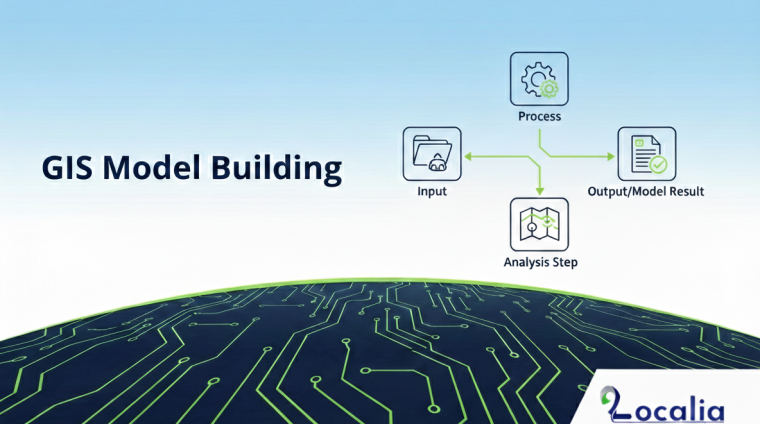
This course teaches how to automate GIS workflows using ModelBuilder in ArcGIS Pro. Participants will learn to design, build, and run models that combine multiple geoprocessing tools, saving time and reducing human error in repetitive spatial analysis tasks.
The course covers ModelBuilder concepts and interface, building simple and advanced models, setting variables and parameters, inline variable substitution for dynamic outputs, batch processing with iterators, and adding conditional logic to control workflow order. By the end of the course, learners will be able to create reusable, automated GIS models for real-world projects.
You will learn to:
-
Understand ModelBuilder concepts and advantages
-
Build and run GIS models combining multiple tools
-
Set variables, parameters, and dynamic file paths
-
Use iterators for batch processing
-
Apply conditional logic to automate decisions
Level: Intermediate – basic GIS analysis knowledge recommended